

MKE's drone-based mine clearing system ALPAY-D completes field tests
ALPAY-D, developed by MKE with domestic resources, drops explosives onto minefields by drone and detonates them remotely to open a safe corridor for infantry. Its field tests have been completed successfully.
· 1 min read
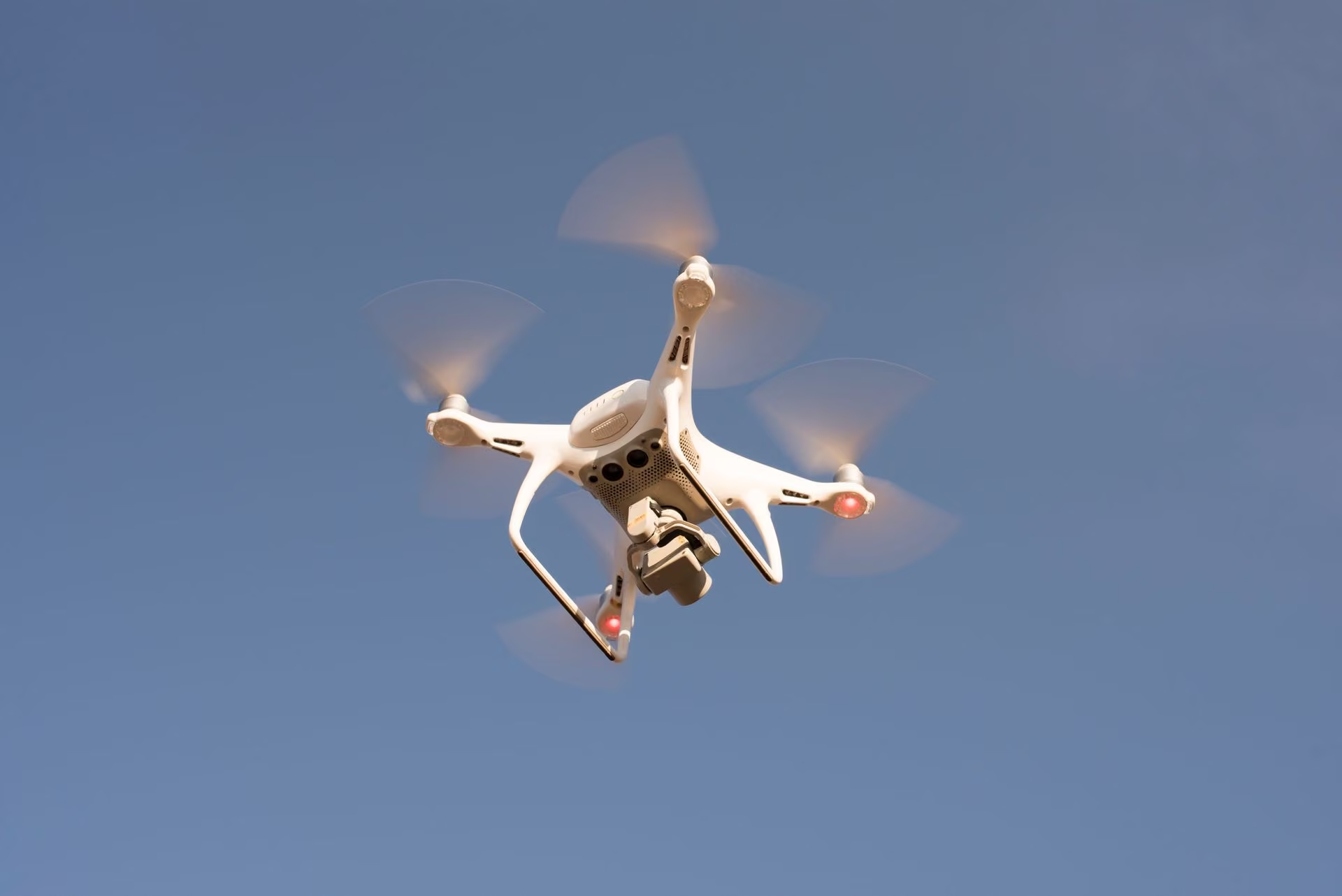
ALPAY-D, developed by MKE engineers, has successfully completed its field tests. The system, which operates with an unmanned aerial vehicle (drone), joins the ALPAY family used to open passages in minefields as its first aerial version. It was designed to allow infantry units to cross minefields safely.
How does it work?
ALPAY-D operates against anti-personnel mines. The drone spreads the explosive charge it carries over the minefield from the air, and the charge is then detonated by remote command. This creates a mine-free, safe corridor for infantry to pass through.
Depending on the carrying capacity of the drone used, the system can open one of two corridor lengths: 25 or 50 meters.
The system can be set up quickly by two personnel and made ready for duty. Personnel can manage the entire process, from carrying the explosive charge to the area to spreading and detonating it, remotely without entering the minefield.
Bora Haber previously reported: ASELSAN's EJDERHA System Neutralizes 51 Simultaneously Launched Drones Within Seconds and Nurol Makina's light armored vehicle NMS-L displayed as "YETİŞEN" at SAHA 2026.
Background
The announcement noted that minefields have become a major threat worldwide. ALPAY-D was said to offer a safe solution for such areas and to stand out with its high export potential. It was also stressed that the system was developed with domestic and national resources.
Technology guides
- What is two-step verification and how do you turn it on?Two-step verification adds a second proof (a code, prompt or key) on top of your password when you sign in. You enable it in your account's security settings, and it protects you even if your password is stolen.
- How to get and renew your e-Devlet passwordYou get an e-Devlet password in person at a PTT branch with an ID document. If you forgot it, reset it with “Forgot my password” on e-Devlet Kapısı (Turkey's e-Government Gateway) or get a new one from PTT.
- How to view grades and absences on e-OkulSign in to the e-Okul Parent Information System with e-Devlet or a parent password, select the student, and open the grades or absences menu. Students can also check their own records.


Comments
Sign in to comment.