

WhatsApp Begins Rolling Out Floating Bottom Navigation Bar
WhatsApp has started gradually rolling out the floating bottom navigation bar it has long been testing. The bar shrinks when scrolling down and returns to full size when scrolling up.
· 2 min read
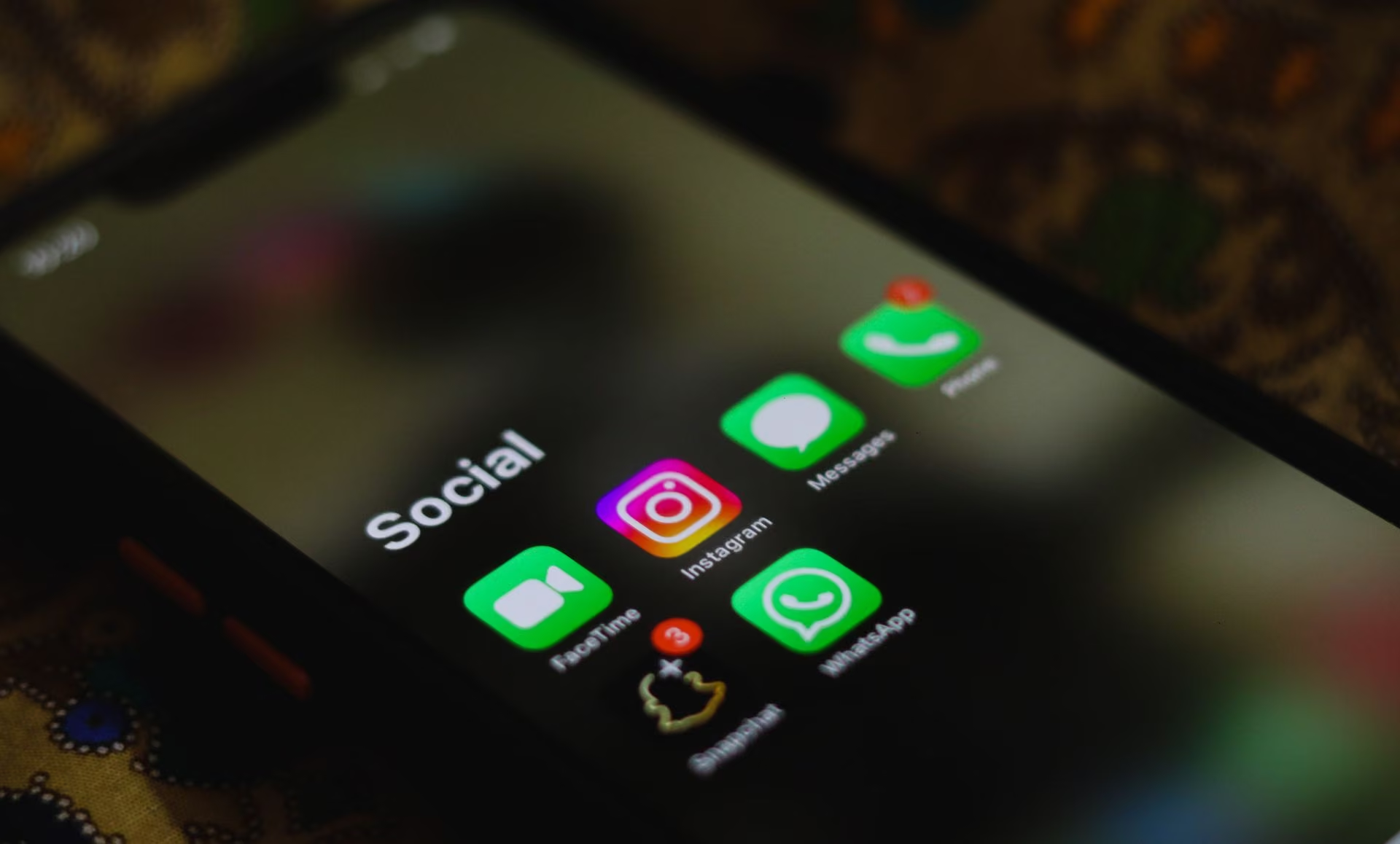
WhatsApp has begun gradually rolling out the floating bottom navigation bar it has been testing for a long time, aiming to offer users a more stylish experience that takes up less space. The change became visible with beta version 2.26.45.5 distributed through Google Play Store.
A simpler look
The new design replaces the old fixed bar that was attached to the edges of the screen. The bar has rounded corners and no text labels, giving a simpler appearance. The selected tab is no longer shown in a pill shape but with a circular highlight around its icon. The bar contains the Chats, Updates, Communities and Calls tabs; for some users it also adapts to a five-tab layout with the "You" tab.
Structure that changes with scrolling
The design's notable feature is its dynamic behavior. When users scroll down the chat list, the bar shrinks in both width and height into a compact pill shape. Icons remain visible while it takes up much less space on screen. When scrolling up, the bar returns to its full size.
Blur effect and colors
WhatsApp added a gradual blur effect at the bottom so the floating bar does not form a hard edge with the background. Working in harmony with the edge-to-edge screen layout, the effect helps the bar blend into the interface. The circular highlight on the selected tab uses the app's default green theme. WhatsApp Plus subscribers can see their chosen custom theme color in this area too.
Bora Haber previously reported: YouTube's Server Error 400 on Android persists for some users and WhatsApp Rolls Out "Smart Text Actions": One Tap for Numbers, Addresses and Dates.
Science guides
- What is general health insurance (GSS) and who pays premiums?GSS is Türkiye's compulsory health insurance covering residents against healthcare costs. Most people pay the premium themselves or through an employer; the state covers it for certain groups.
- What should be in an earthquake emergency bag?An earthquake bag should hold at least three days of water and food, first aid supplies, a flashlight, whistle, medications, document copies and batteries or a power bank. Keep it near the exit, easy to reach.
- What is a meteor shower, and when and how can you watch one?A meteor shower happens when Earth passes through trails of dust left by a comet or asteroid, producing many “shooting stars.” Dark skies and patience are the keys to watching one.

Comments
Sign in to comment.