

WhatsApp Rolls Out "Smart Text Actions": One Tap for Numbers, Addresses and Dates
WhatsApp is gradually bringing a new feature to Android and iOS that recognizes phone numbers, dates, addresses and emails in messages and marks them with a dotted underline.
· 2 min read
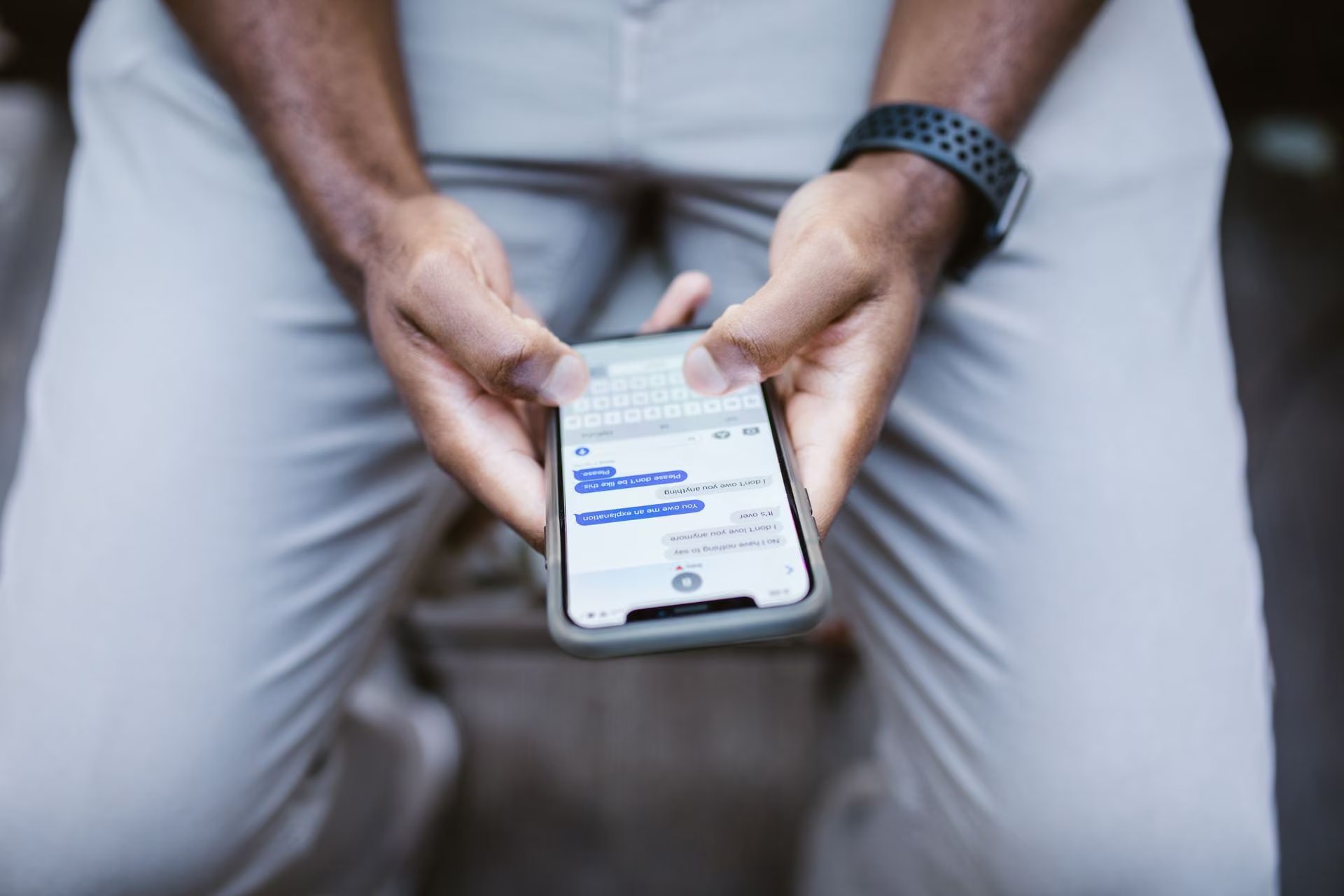
WhatsApp is introducing "Smart Text Actions," a feature that automatically detects key information in chats. When phone numbers, dates, addresses or emails are recognized, they are marked with a dotted underline, letting users act on them directly without leaving the conversation.
Depending on the type of text tapped, users can place a call with one tap, add an event to the calendar or view a location on the map.
How does it work?
The update detects data in specific formats in both incoming and outgoing messages. When WhatsApp recognizes a text format, it underlines the relevant word or number with a dotted line.
Tapping the underline opens a pop-up menu with the detected phrase at the top. This lets users confirm the text was recognized correctly and quickly choose among the offered actions. Those who don't want to use the shortcut can ignore the marking and keep chatting.
The system lists different action options depending on the type of text detected.
Privacy and rollout
All data scanning and format matching is performed locally on the user's device. Because message contents are not sent to external servers, end-to-end encryption is said to remain intact.
The feature is being enabled gradually for accounts using current Android and iOS versions. It is expected to reach all users in the coming weeks.
Background
The new feature aims to cut down on small, common steps in messaging: instead of copying a number into the contacts or dialer, typing a date into a calendar by hand or searching an address separately on a map, users can start the action straight from the message.
Technology guides
- How to create a strong password and what is two-step verification?A strong password is long, unpredictable and different for every account. Two-step verification asks for a second proof besides the password, so your account stays protected even if the password is stolen.
- How to create a strong passwordA strong password is long, unpredictable and unique to each account. Use a random password of at least 14-16 characters or a multi-word passphrase, and add a password manager and two-step verification.
- How much is the IMEI registration fee? Registering a phone brought from abroadThe IMEI registration fee in 2026 is 54 bin 258 TL (54,258 TL). For 2027, about 69 bin 358 TL (69,358 TL) is expected with the 27.83 percent revaluation rate; the final amount depends on the tariff published in the Official Gazette.



Comments
Sign in to comment.